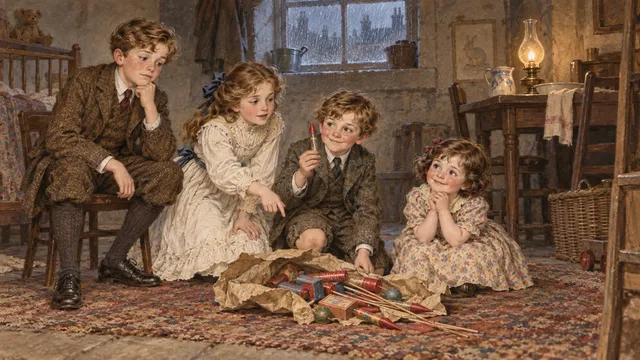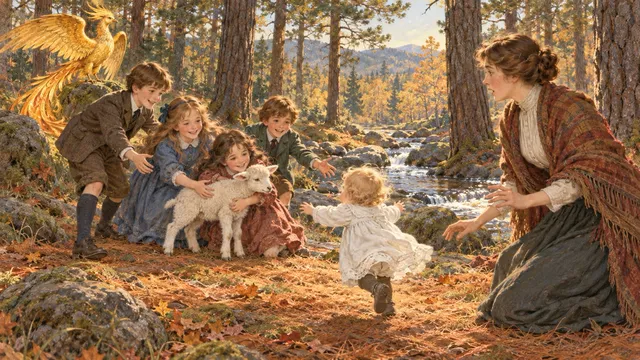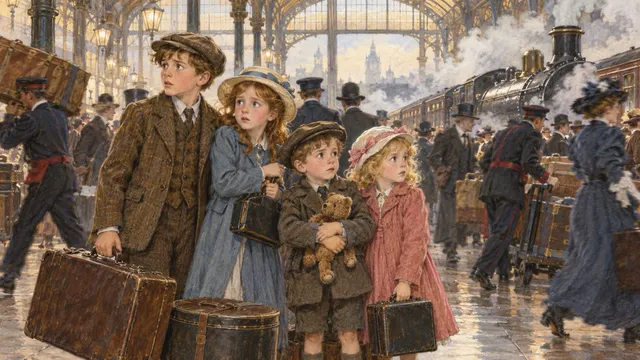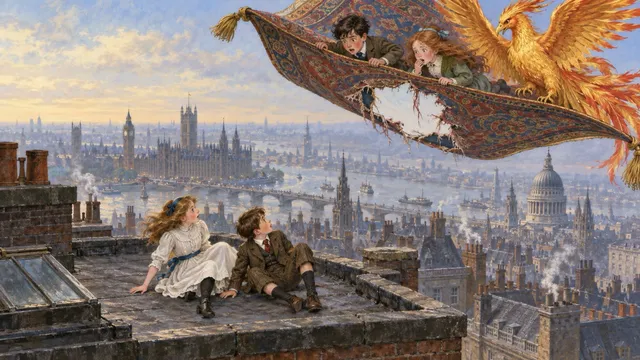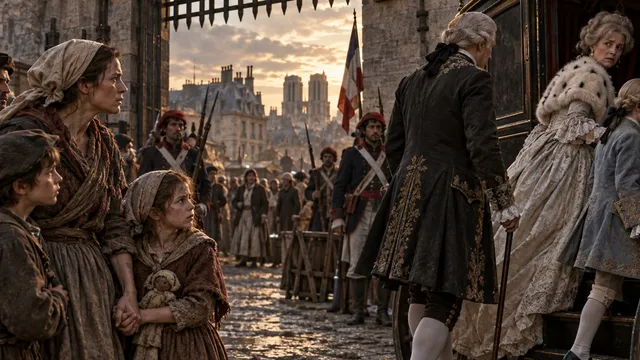
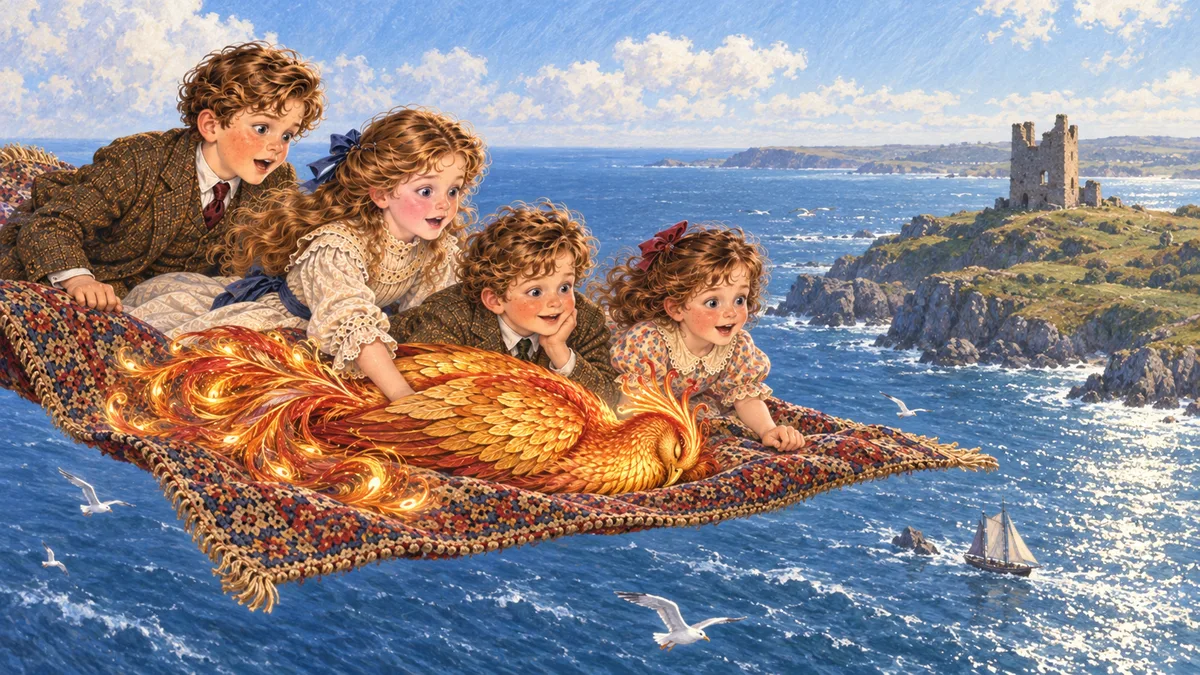
Watch the results: the four-part long-form edition of The Phoenix and the Carpet and the complete Scarlet Pimpernel are linked at the end of this article.
The workflow, in plain English
Think of Codex as a production assistant working in a project folder. It can read the source and project notes, prepare text and scripts, run local tools, and help make assets. You remain the editor: you choose the story, review the creative results, and decide what gets published.
Start with a clean project folder
Make a new folder for the book. Keep the untouched source text, rights notes, story plan, prompts, scripts, and exports together. Ask Codex to inspect the folder before it changes anything, and to preserve the original source.
Choose the story and check its rights
Identify the author, the exact work and edition, where the text came from, and the countries where you expect to share the videos. Save the sources and the reasoning in a short rights note before production begins.
Map the whole story before chopping it up
Ask Codex to read the full text, outline chapters and turning points, and make a consistent character and setting reference. Then plan short parts at natural scene breaks. Even when a clip stands alone, it should continue the story, with no recap unless you want one.
Make narration and captions
Choose a voice and test a short sample for tone, speed, and names. Generate narration in manageable parts, make captions from the spoken audio, then spot-check the timing and pronunciation. Keep track of the voice tool's licence and terms.
Plan images around the telling
Choose images for meaningful moments, not an arbitrary number per clip. Save the prompts and a character reference so the cast stays recognisable. Create portrait art for vertical clips and landscape art separately if you also want a widescreen edition.
Animate gently, then render
A still illustration can feel alive with a slow pan or zoom, a carefully chosen transition, and readable captions. Render one sample first. When it looks right, process the rest with a resumable workflow that caches completed stages.
Review before making extra formats
Check the opening, a few scene changes, the ending, sound, captions, and the final runtime. Keep the individual short videos; create long compilations or landscape editions as additional exports. Check the platform's current upload rules, and leave a margin below any maximum.
How this looked for Phoenix: the project produced 283 portrait story parts of roughly 75 to 105 seconds each, then added six portrait compilations in story order, each kept just under the 60-minute upload limit. Together they run to about five hours twenty minutes. The compilations are separate files; the original part videos are unchanged.
Things worth asking Codex to do explicitly
- Read and map the entire story before finalising the episode or illustration plan.
- Keep the source unchanged, use a manifest, and make processing resumable.
- Save image prompts and continuity notes alongside the images.
- Do not silently add a recap, intro, music, or a new ending.
- Do not publish, schedule, buy credits, or use paid services unless you explicitly request it.
- Give you direct links to finished files and report missing or failed parts.
Copyright: "old" and "free to download" are not enough
A useful first question is not just "Is this book old?" but "Which exact material will I use, and is it clear to share in each place I am targeting?" This is a practical checklist, not legal advice.
1. Check the underlying story in the right countries
For a typical published literary work with a known author, UK copyright normally lasts until the end of the calendar year 70 years after the author's death. So, under that ordinary rule, the original text by Edith Nesbit (who died in 1924) entered the UK public domain on 1 January 1995. Exceptions and other countries' laws can change the answer. See UK government: copyright duration and the Copyright, Designs and Patents Act, section 12.
Project Gutenberg says most of its eBooks are public domain in the United States, but explicitly tells readers outside the US to check local law. A Gutenberg download is a source, not worldwide clearance. See Project Gutenberg: permissions and use.
2. Clear every layer, not just the plot or title
The UK government notes that a published edition's typographical arrangement may have its own 25-year term. Copyright also varies by material type, and unusual or unpublished works can have special rules. See UK government: terms by work type.
3. Treat licences and platform libraries carefully
"Royalty-free" does not necessarily mean "no conditions"; read the licence and save a copy. If a video promotes a product, brand, or service, TikTok recommends music from its Commercial Music Library for that use; its other music licences may not cover commercial use in content. See TikTok: commercial use of music. For all other music, confirm the licence covers the platform, territory, and intended use.
If you use a Project Gutenberg text, check the eBook's own notice and its trademark terms before putting "Project Gutenberg" in a commercial title, video, or promotion. See the Project Gutenberg licence.
Keep a simple rights record
Record the work and author, source edition and URL, publication and death dates, territories checked, links to the applicable rules, and licences for narration, images, music, and effects. If any of those are uncertain, pause that asset and choose a clearer source or get qualified advice. Giving credit is courteous, but credit alone does not replace permission.
Guidance checked 8 October 2026. Laws and platform terms can change; this page is UK-oriented and cannot determine the legal status of a particular project or every territory.
Copy this project brief
Fill in the bracketed choices, then paste the brief into Codex in the new project folder. It is also available as a standalone Markdown file.
Where this sits
Codex can help with planning and making files, but it does not replace your editorial judgement, copyright checks, or final review. Key references: UK copyright duration, using other people's copyright material, Project Gutenberg permissions, and TikTok copyright rules.
If you want a series like this made rather than making it yourself, or you have a production pipeline that needs building properly, that is the kind of fixed-price job I take on.
Watch the videos
The long-form YouTube editions made with this workflow. The Phoenix and the Carpet is in four parts at chapter boundaries, about seven hours in all. The Scarlet Pimpernel, made the same way from Baroness Orczy's 1905 novel, is one continuous film.